
Printing and Copying
Printing
Printing from public computers or library laptops is available. Prints are $.10 per page for black & white and $.50 for color. Once prints are sent from one of our public computers, just visit the front desk to pay and then staff will send the prints over to our copier/printer for fast printing. Color and B&W is available as well as double-sided prints.
Copying
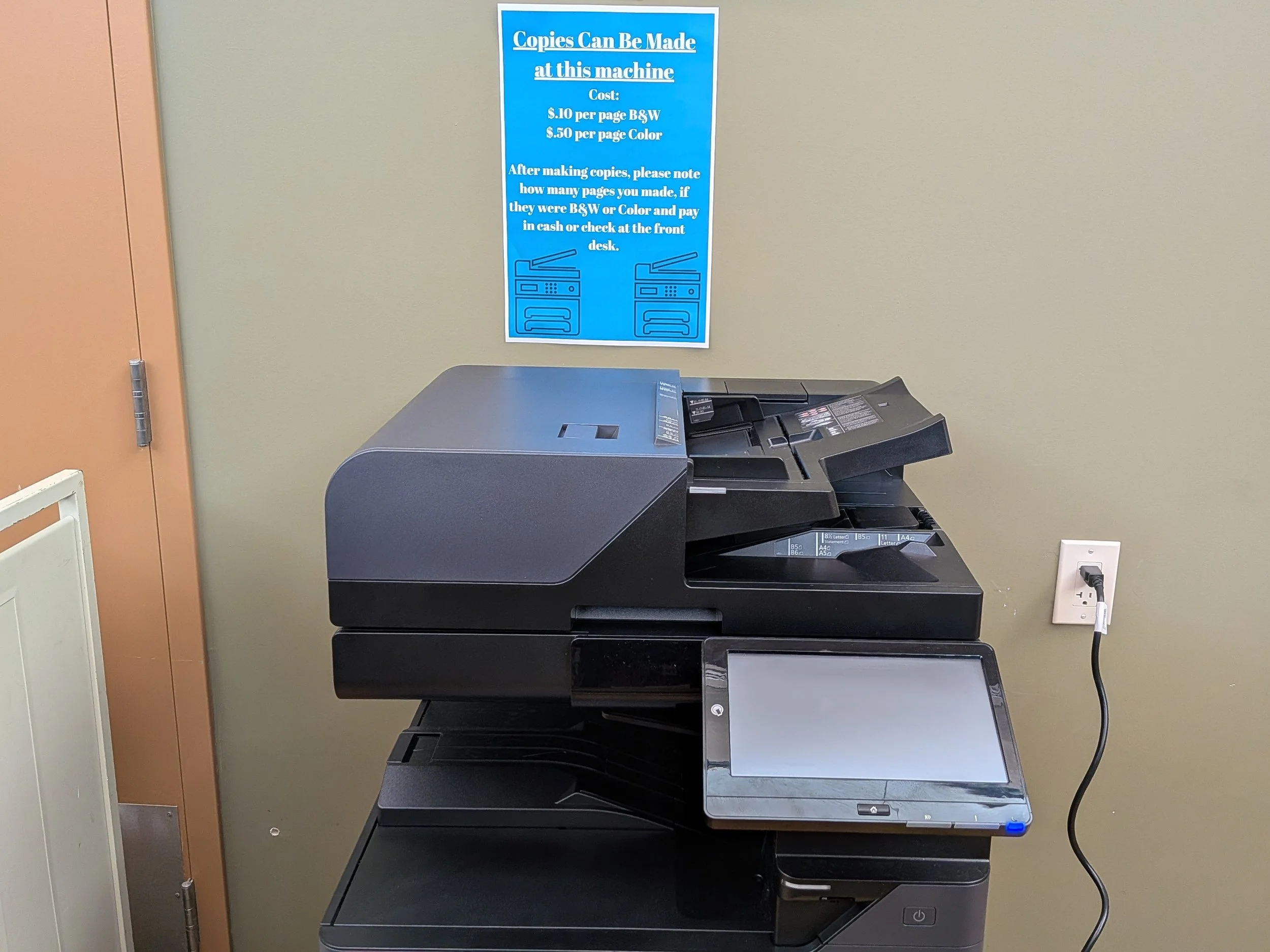
Copying is made at the same printer/copier near the front desk. B&W, color, double-sided and legal size copying is available. A tray feeder is also available for larger copying jobs. Once prints are made, simply visit the front desk to pay for the copies you made. Copies are $.10 per page for black & white and $.50 for color.
Mobile Printing
Use this web form to submit jobs. Simply follow the instructions and attach files that you want printed - pictures, documents, PDFs, etc.
Use this form to submit print jobs
Once you access this webpage, you will be asked for the PRINTER-ID. For our library, printer, simply enter the following code: 111857
You will then just need to enter your email address so that your print job will be connected to that email address when printing at our Print Kiosk Station.
Finally, stop by our print station, enter your email address and then you will see your print jobs. You can then pay and print right there.
Use your email to email prints right to our kiosk station.
Simply email your prints directly to our Print Kiosk Station through your email. Use one email address for black and white prints and another for color prints. Simply attach the file(s) you want to print to your email and send to one of the following email addresses:
Black and White Prints: Ramsey-bw@ewprints.com
Color Prints: Ramsey-color@ewprints.com
Then, simply visit our print kiosk, enter your email address in and then you’ll see your print jobs. You can then pay and print your jobs right there.